The Call Detail Records (CDR) allows you to obtain detailed information of your incoming and outgoing calls. It also contains different filters to sort the call records in order to view the desired information. You can access all the calls from your account without any type of limitation on the original date.
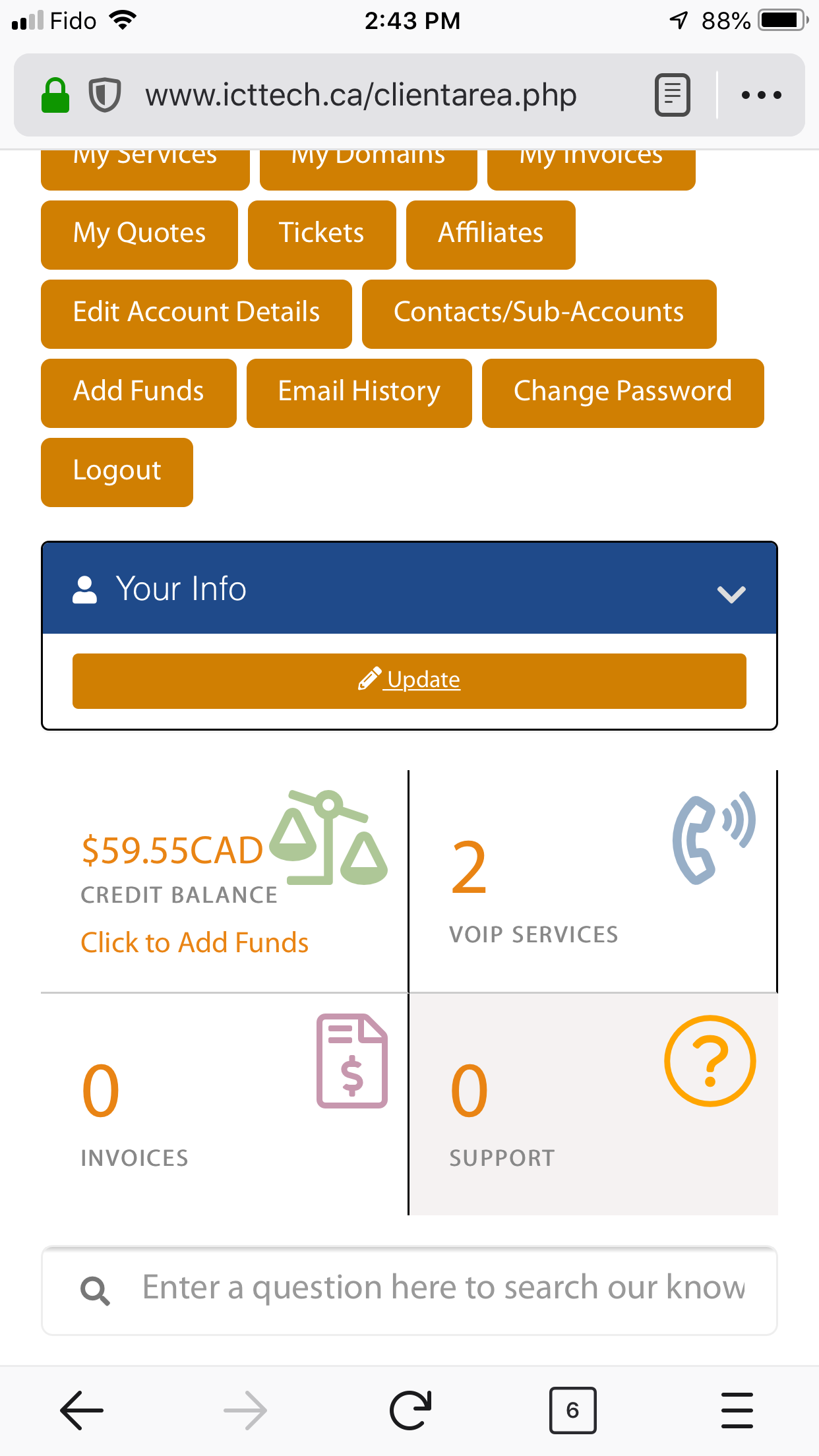
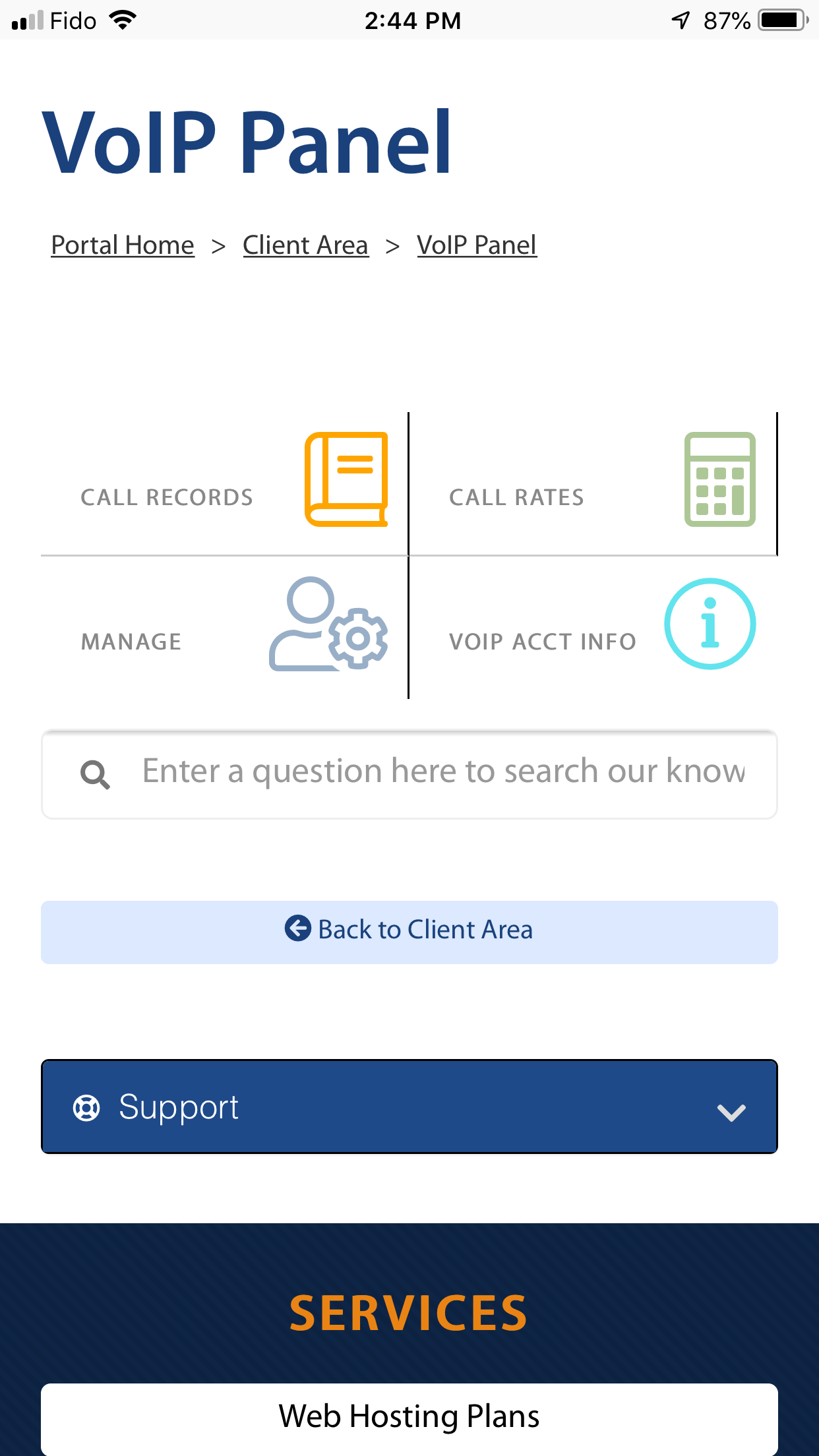
The CDR can be accessed from the main portal, under VoIP Services >> Call Records. You will be presented with the following screens:
For a Mobile Screen shot Tutorial scroll to the bottom.
Client Area

VoIP Panel

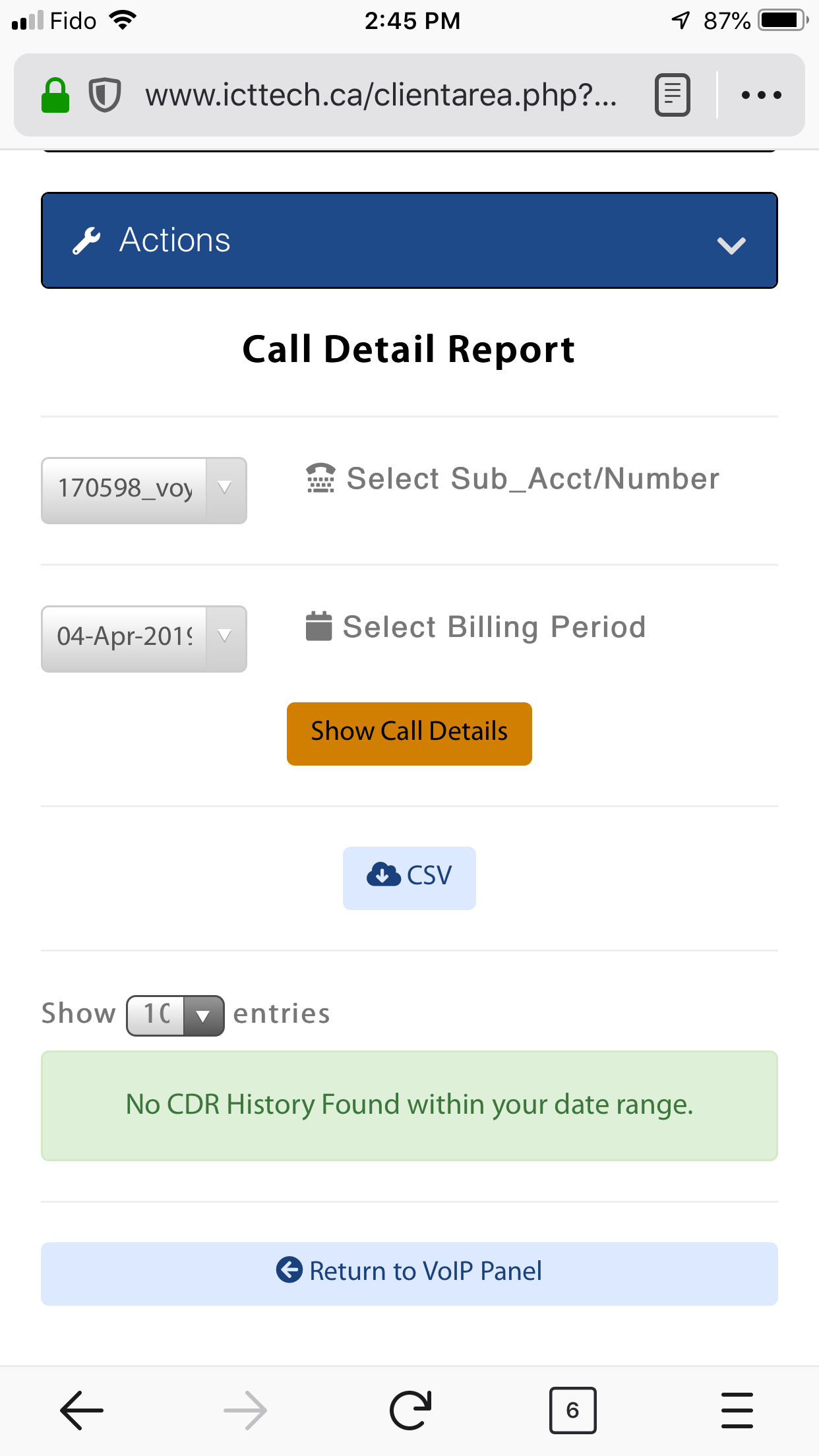
Call Records. Select your billing period and then click on the "Show Call Details" button. You may select how many entries to display per page.

Search Range
The Search Range: Under Billing Period, can view up to 3 years of Call Detail infomation.
Detail Screen
Clicking on the "Show Call Details" button will display details for your selected billing period. You may also export the selected period of calls to Excel format by clicking on the "CSV" button to save the file to your computer.
Please refer to the image below for an example of the details screen:

The Mobile View Interface